Clean the Golf Yard Tools Hub
Calculators and planners for smarter upgrade decisions.
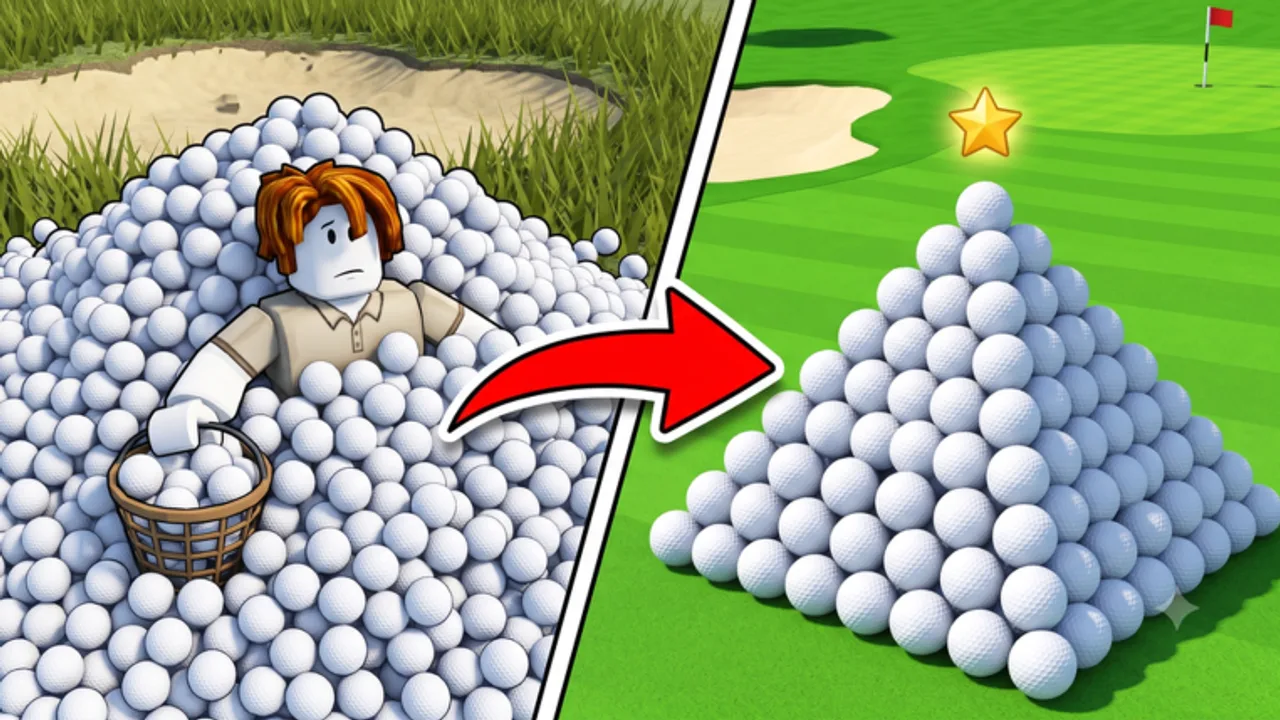
Numbers beat guesswork when upgrading in Clean the Golf Yard. Cash and Fragments compete for the same stat tiers, equipment prices span orders of magnitude, and the wrong purchase can cost hours of compounding income. This tools hub collects on-site utilities that complement guides and tier lists — starting with the Upgrade Calculator for UPD 3.4 planning.
Tools are reference aids, not substitutes for playing — always verify prices in-game after major patches.
Available Tools
Upgrade Calculator
Compare cash vs Fragment upgrade breakpoints, estimate income impact from radius and sell value tiers, and plan purchases before opening the shop menu. Essential when deciding between next pickup radius tier and saving for Turbo Tractor.
Use the calculator after redeeming codes so Fragment totals reflect your real balance.
Why Use Tools Instead of Scripts
Scripts automate unknown upgrade priorities and risk bans. Calculators automate math only — you still play legitimately while making informed choices aligned with upgrade tier list rankings.
Legitimate efficiency path:
- Redeem codes → input Fragment balance in calculator.
- Compare next three upgrade options.
- Farm Earn Cash Fast route until planned purchase.
- Re-run calculator after each major buy.
Who Benefits Most
Mid-game players choosing between Standard and Turbo Tractor benefit from cost-per-stat comparisons.
Fragment hoarders unsure whether to spend now or wait for next UPD — calculator clarifies opportunity cost.
Multiplayer groups coordinating purchases — share calculator outputs so friends do not duplicate equipment tiers unnecessarily per Multiplayer guide.
Leaderboard climbers squeezing marginal gains — see Players for rank context after calculator-optimized buys.
Tool Accuracy and UPD Tracking
Tool formulas use community-sourced upgrade curves from UPD 3.4. When UPD 3.4 notes or future patches change prices:
- Re-read calculator page for revision notes.
- Cross-check live shop UI before confirming purchases.
- Report discrepancies via Discord community channels.
Wiki tools intentionally avoid connecting to Roblox APIs — no account login required, no ban risk.
Planned Tool Expansions
As Clean the Golf Yard grows, this hub may add:
- Code reward tally — sum Fragment grants from active codes (currently on Codes page).
- Route timer — lap duration estimator by equipment tier.
- Leaderboard projection — rough rank estimates from balls per hour.
Announcements appear here and on Updates hub.
How Tools Connect to Guides
| Tool | Companion Guide | Companion Tier List |
|---|---|---|
| Upgrade Calculator | Upgrades, Fragments | Upgrade Priority |
Read guides for mechanics; use tools for numbers at decision moments.
Mobile and PC Usage
Tools run as static site pages — work on phone browsers while Roblox mobile runs in background. Many players keep calculator open on second monitor during PC sessions per PC Controls.
Tool Limitations
Calculators cannot predict:
- Server lag affecting balls per hour.
- Crowded multiplayer respawn competition.
- Limited-time Fragment shop discounts announced on Discord.
Treat outputs as planning estimates, not guarantees.
Getting Started With Tools
New players: complete Getting Started first — tools matter after first upgrades when choices branch. Return here around first tractor decision.
Related Pages
- Upgrade Calculator — primary tool
- Tier List hub — ranked recommendations
- Guides hub — system explanations
- Codes — free Fragments for calculator inputs
Frequently Asked Questions
Quick answers to the most common questions.
What tools does this wiki offer?
The tools hub currently features the Upgrade Calculator for planning cash and Fragment spending.
Do I need to log in to use wiki tools?
No. Tools are static planners that do not connect to your Roblox account.
When should I use the upgrade calculator?
Use it when choosing between upgrade tiers or saving for equipment like the Turbo Tractor.
Are tools updated for UPD 3.4?
Yes. Calculator guidance reflects UPD 3.4 upgrade curves and prices.
Are tools safer than scripts?
Yes. Tools only help with math. They do not inject code or risk bans.
Where is the upgrade calculator?
See the upgrade calculator subpage linked from this tools hub.