Clean the Golf Yard Guides & Walkthroughs
Every tutorial you need from first ball collected to leaderboard top 100.
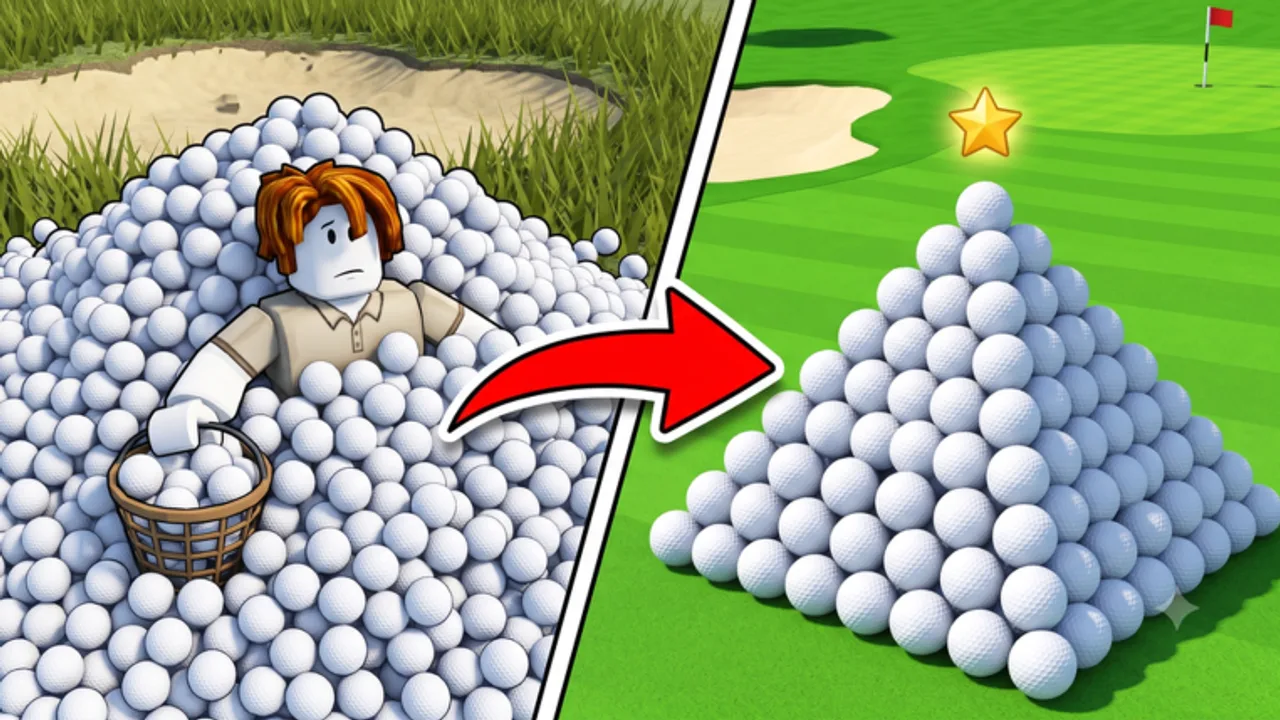
Welcome to the Clean the Golf Yard guides hub. AverageGuyStudios built this Roblox simulator around a simple loop — walk the course, pick up golf balls, sell them for cash, buy upgrades and equipment, repeat until you dominate the leaderboards. Whether you joined during UPD 3.7 or you are returning after a break, these guides cover every system in the game without wasting your time on filler.
Start here if you are brand new: the Getting Started guide walks through your first ten minutes, including redeeming active codes for free Fragments. If you already know the basics, jump straight to specialized topics below.
All Guides
Beginner & Progression
- Getting Started — Day-one walkthrough: spawn, first pickup, redeem 20KLIKES, and what to buy first.
- Beach Mode — Unlock the coastal map, bin sorting tips, and UPD 3.7 event prep.
- Pets & Eggs — Standard Egg (30 Gems), Cow (+5 capacity), Lucky passes without invented odds.
- How to Redeem Codes — Step-by-step redemption on PC, mobile, and controller.
- Clear All Balls — Full ~35,000 ball clear: BiggerHand through GolfKart purchase order.
- Progression Guide — Cash, Fragments, badges, passes, and UPD 3.7 unlock flow.
- Earn Cash Fast — Optimize routes, sell timing, and equipment for income per hour.
Completion & Meta
- Badges Guide — Collection milestones, Collect ALL Balls, and mystery badges.
- Game Passes — Robux QoL passes and what the store actually states.
Systems Deep Dives
- Upgrades Guide — Named shop ladder, prices, and which stat to level first.
- Abilities Guide — Slot 1 and Slot 2 abilities, cooldowns, and combos.
- Fragments Guide — Premium currency from codes: best purchases and common mistakes.
- Spin Wheel Guide — Retired spin rewards and July-era FREESPIN context.
- Multiplayer Guide — Co-op routes, etiquette, and lane splitting.
Recommended Reading Order
- Getting Started + redeem 20KLIKES and active codes
- Controls for your platform
- Clear All Balls or Earn Cash Fast
- Upgrades and Equipment tier list
- Beach Mode after Easy unlock + Pets & Eggs
- UPD 3.7 for live patch context
Cross-Reference: Other Wiki Sections
- Tier List hub — Equipment and upgrade priority for UPD 3.7 meta
- Active Codes — 20KLIKES official plus community stack (August 4, 2026)
- Tracker Reports — Roblox vs Allthings vs Beebom
- Expired Codes — 2KLIKES, 8KLIKES, FIXES, and retired milestones
- Controls hub — PC, mobile, and controller
- Updates hub — UPD 3.7 current; UPD 3.5 / UPD 3.4 archive
- Tools hub — Upgrade calculator
- Players — Leaderboards
- Scripts — Automation overview with safety warnings
What Makes a Good Collection Run
Every guide assumes the core loop: pick up → sell → upgrade → expand. Your pickup radius and named upgrades (GolfClub, GolfKart) decide clear speed. Pets that add bag capacity help before InstantSell. Beach sorting is a second map — fund the main ladder first.
Staying Current After Patches
When a new UPD drops, check Updates first, then Codes and Tier List. Guides reflect UPD 3.7 live branding as of August 4, 2026.
Community & Official Links
Join the community through our Links hub — official Roblox page, Discord, and bug reports. Discord usually posts codes first.
Frequently Asked Questions
Quick answers to the most common questions.
Which guide should I read first?
Start with Getting Started, then redeem codes and read Earn Cash Fast once you understand the basic pickup and sell loop.
Are these guides updated for UPD 3.7?
Yes. Guides reflect UPD 3.7 live branding including beach mode, pets/eggs, 20KLIKES, and the BiggerHand-through-GolfKart upgrade route.
How do I spend Fragments efficiently?
Read the Fragments guide and cross-check the upgrade tier list before buying premium stats.
Do guides cover multiplayer?
Yes. The Multiplayer guide covers co-op routes, etiquette, and how to avoid overlapping with friends.
Where are controls explained?
The Controls hub has separate pages for PC, mobile, and controller inputs.